Should you rebuild your website?
Link to section: Should you rebuild your website?This conversation eventually stalls in the same place: feelings dressed as facts. The STAR framework fixes that. Score your situation across four dimensions (Security posture, Total cost, Attack surface, Requirements complexity), then let the numbers do the arguing. A WordPress site scoring poorly on two or more dimensions is sending you a message. A site scoring well on three is probably not worth the migration headache.
This decision is based on real breach data and the 11,334 vulnerabilities Patchstack cataloged in 2025 alone.
The Story behind these Numbers
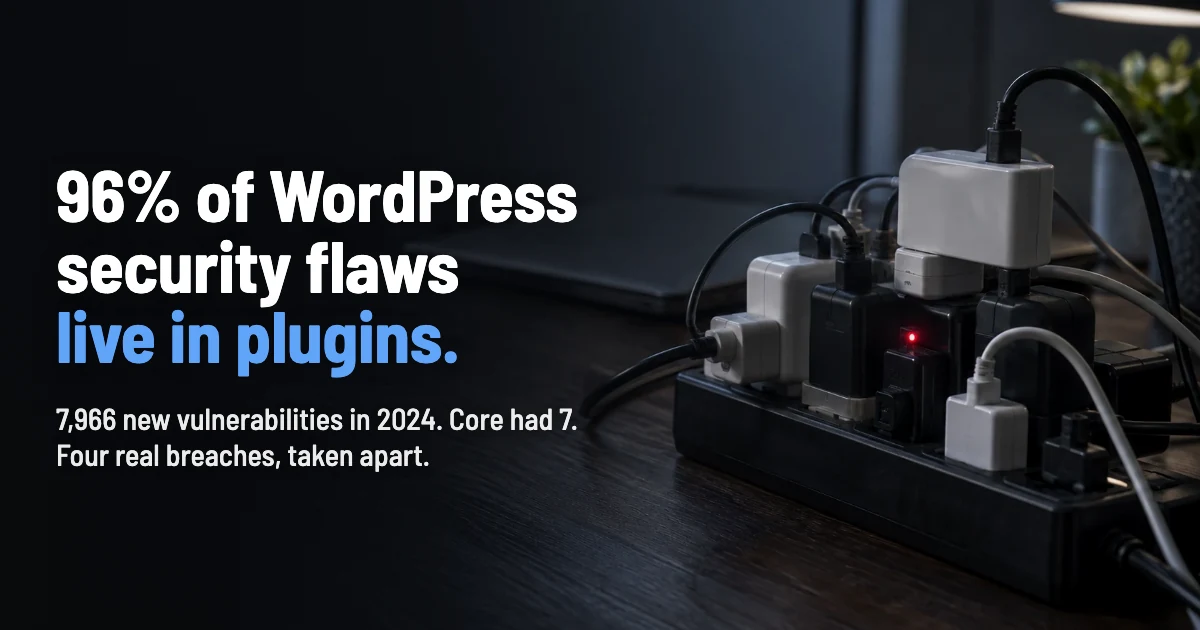
Link to section: The Story behind these NumbersPatchstack's 2026 State of WordPress Security report arrived like a fire alarm: 11,334 new vulnerabilities in 2025, a 42% jump from 2024. Of those, 91% lived in plugins. WordPress core contributed exactly six. The engine is solid. The accessories are on fire.
In 2026: the median time from public disclosure to mass exploitation is less than five hours. Not days. Hours. And 43% of those vulnerabilities require zero authentication, meaning attackers don't need credentials to walk through the door.
| Metric | 2024 | 2025 | Change |
|---|---|---|---|
| New vulnerabilities | 7,966 | 11,334 | +42% |
| High-severity | ~920 | 1,966 | +113% |
| Unpatched at disclosure | N/A | 46% | N/A |
| Exploitable without auth | N/A | 43% | N/A |
| Median exploit time | N/A | <=5 hours | N/A |
WordPress core gets scrutiny
Link to section: WordPress core gets scrutinyAutomattic's security team and a global research community adhere to a standard security policy that encourages responsible disclosure. It's hardened and patched quickly. The real bleeding happens across 60,000+ plugins where quality ranges from enterprise-grade to a developer's weekend project from 2017 that hasn't seen a commit since.
Premium plugins aren't safer. Patchstack found premium components carried 3x more known exploited vulnerabilities than free ones, with 33 critical zero-days versus 12 in free plugins. Paying more doesn't mean patching faster. And traditional hosting defenses? They blocked just 12% of WordPress-specific attacks in penetration testing. Your host's "WordPress security" checkbox is largely theater.
"It's generally not worth it to try protect the WordPress applications from vulnerability exploitation attacks on the network layer. You'll get better results elsewhere."
Oliver Sild, Founder & CEO, Patchstack, via oliversild.com
What Laravel Brings to the Table
Link to section: What Laravel Brings to the TableLaravel doesn't ship with 60,000 third-party plugins because it doesn't need to. Security is structural, not bolted on. CSRF protection, SQL injection prevention, XSS filtering, bcrypt password hashing, and encrypted sessions ship out of the box. Authentication scaffolding (Breeze, Sanctum, Fortify) is maintained by the core team, not a solo developer who may or may not check their email.
The attack surface difference is architectural. A Laravel application exposes exactly the routes you define. A WordPress site exposes wp-admin, wp-login, XML-RPC, REST API endpoints, and every endpoint registered by active plugins. Each one is a door. Laravel lets you choose which doors exist.
With Laravel, you're trading a CMS ecosystem for a framework that demands developer hours to build what WordPress gives you in clicks. Content management, media handling, SEO tools, contact forms: all require custom work or Composer packages you'll need to vet yourself.
The STAR Scoring Matrix
Link to section: The STAR Scoring MatrixScore each dimension 1-5 for your current WordPress site. Below 12 total? Your setup is probably working. Above 16? The rebuild conversation becomes a rebuild plan.
| Dimension | Low Risk (1-2) | High Risk (4-5) |
|---|---|---|
| Security Posture | Few plugins, all maintained, WAF active | 20+ plugins, abandoned themes, no WAF |
| Total Cost | Minimal maintenance, no breach history | Recurring cleanups, premium security stack costs |
| Attack Surface | Brochure site, limited user input | User accounts, payments, API integrations |
| Requirements | Content publishing, standard pages | Custom workflows, integrations, scaling needs |
A content-heavy marketing site with five trusted plugins vs. an application processing user data through custom workflows with a dozen plugins handling load-bearing logic? Is WordPress worth the risk? Use the ALE calculator to put dollar figures on your breach exposure and replace gut feelings with math.
WordPress Vulnerability Breakdown by Category (2025)
| Category | Share | Detail |
|---|---|---|
| Cross-Site Scripting (XSS) | 47.7% | Most common vulnerability type across all components |
| Broken Access Control | Top exploited | Most exploited class in real-world attacks |
| Plugin vulnerabilities | 91% | Overwhelming majority of all WordPress CVEs |
| Theme vulnerabilities | 9% | Often in abandoned or unmaintained themes |
| Core vulnerabilities | <0.1% | Only 6 in 2025, all low priority |
| Premium zero-days | 33 critical | 3x more than free components (12 critical) |
Data from Patchstack State of WordPress Security 2026.
Laravel vs WordPress: Security Feature Comparison
| Feature | WordPress | Laravel |
|---|---|---|
| CSRF Protection | Nonces (manual implementation) | Automatic middleware on all POST routes |
| SQL Injection Prevention | $wpdb->prepare() (manual) | Eloquent ORM with parameterized queries by default |
| XSS Filtering | esc_html(), wp_kses() (manual) | Blade auto-escapes all output |
| Authentication | Built-in + plugin extensions | Breeze, Sanctum, Fortify (core-team maintained) |
| Password Hashing | phpass (older algorithm) | bcrypt/Argon2 by default |
| Route Exposure | Fixed endpoints (wp-admin, XML-RPC, REST API) | Only routes you explicitly define |
| Dependency Risk | 60,000+ plugins, variable quality | Composer packages, auditable via composer audit |
| Security Updates | Core auto-updates; plugins vary widely | Composer update with version constraints |
Decision Checklist: Stay on WordPress or Rebuild
Stay on WordPress If:
- Your site is primarily content publishing (blog, news, marketing pages)
- You use fewer than 10 actively maintained plugins
- You don't process sensitive user data or payments directly
- Your team lacks PHP framework development experience
- Time-to-market matters more than architectural control
- You have a managed WordPress host with proactive security
Rebuild with Laravel If:
- Your site handles user authentication, payments, or sensitive data workflows
- You rely on 15+ plugins, especially for core business logic
- You've experienced breaches or recurring security incidents
- Your requirements have outgrown what WordPress does natively
- You have (or can hire) Laravel development capability
- You need API integrations, custom dashboards, or multi-tenant features
- Annual security costs exceed what a rebuild would amortize over 3 years
Frequently Asked Questions
- Is WordPress core actually insecure?
- No. WordPress core had only 6 vulnerabilities in 2025, all low priority. The security problem lives almost entirely in the plugin and theme ecosystem, which accounts for 91% of all vulnerabilities. Core WordPress with zero plugins is a reasonably secure platform.
- How much does a Laravel rebuild cost compared to securing WordPress?
- A Laravel rebuild for a mid-complexity site runs $15,000 to $50,000+ depending on features. WordPress security hardening (managed hosting, WAF, monitoring) costs $2,000 to $5,000 per year. The break-even math depends on your breach risk, which the ALE formula can quantify. If annual expected losses exceed your amortized rebuild cost, the rebuild pays for itself.
- Can I use Laravel as a headless CMS behind WordPress?
- Yes. A hybrid approach uses WordPress purely for content management (behind a firewall, not public-facing) while Laravel handles the public application layer. This preserves the editorial experience while eliminating WordPress's public attack surface. More complex to maintain, but sometimes the right middle ground.
- What about WordPress security plugins like Wordfence or Sucuri?
- Security plugins add protection but also add code, complexity, and their own potential vulnerability surface. Patchstack's testing showed hosting and plugin-level defenses blocked only 12% to 26% of WordPress-specific attacks. Better than nothing, but not a substitute for architectural security decisions.
About WordPress Security & Laravel
Link to section: About WordPress Security & Laravel- Patchstack: State of WordPress Security 2026, full vulnerability data and trends
- WordPress.org: Official hardening guide for WordPress installations
- Laravel: Security documentation covering CSRF, XSS, SQL injection, and authentication
- OWASP Top 10: The industry-standard web application security risk reference
Patchstack is the world's largest CVE Numbering Authority for WordPress, coordinating over 50% of all known vulnerabilities in the ecosystem. Laravel is an open-source PHP framework maintained by Taylor Otwell and the Laravel team.
Sources: Patchstack State of WordPress Security 2026, Oliver Sild, WordPress Security on the Network Layer, ALM Corp, WordPress Hacking Accelerating 2025, Laravel Security Documentation