Prepare and Protect with WordPress Security
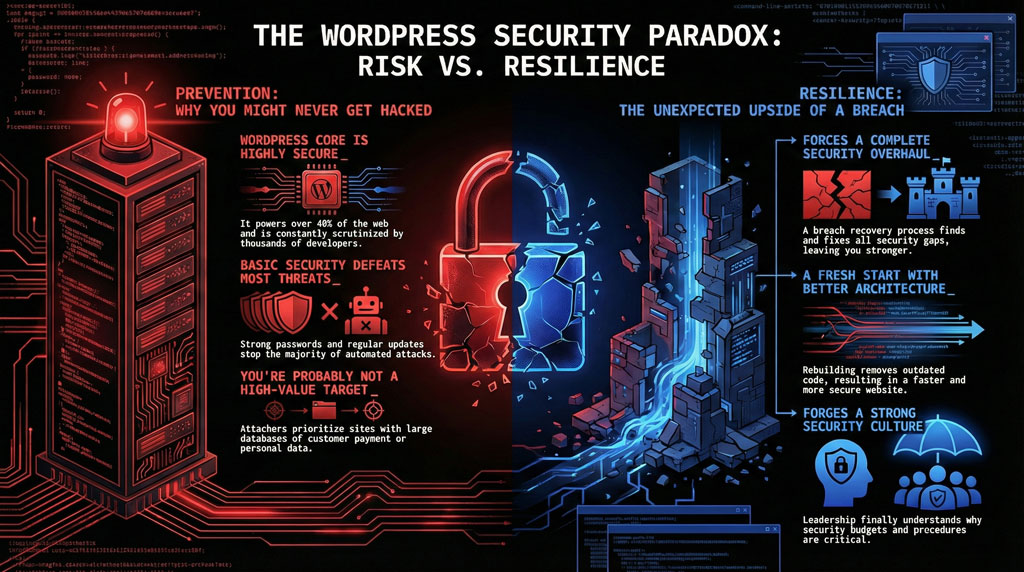
WordPress data breaches are a bit like getting a cold—you know it's going around, you hope it won't be you, but eventually you're lying there thinking, "Should've washed my hands more." Except with more customer data involved. A data breach can also become a learning experience. A very expensive, stressful learning experience with reputational damage.
Ask yourself these two questions:
-
Who is responsible for applying WordPress security updates and server patches?
If the answer is "I think Dave does it?" —you're already in trouble. Dave left in 2020. Nobody told you. ...Classic Dave.
-
Are automated tools in place to maintain security without manual intervention?
You need to know: Is it the hosting company? They might say it's not their job. Is it your developer? They might have moved to another country. Is it you? Do you even know how? These are uncomfortable questions. Ask them anyway.

These aren't technical questions—they're business decisions with real consequences. If your website is compromised, what happens to your business? Restoring customer files, recovering lost services, and repairing reputational damage are just a few of the costly consequences.
The Hidden Costs of Common Practices
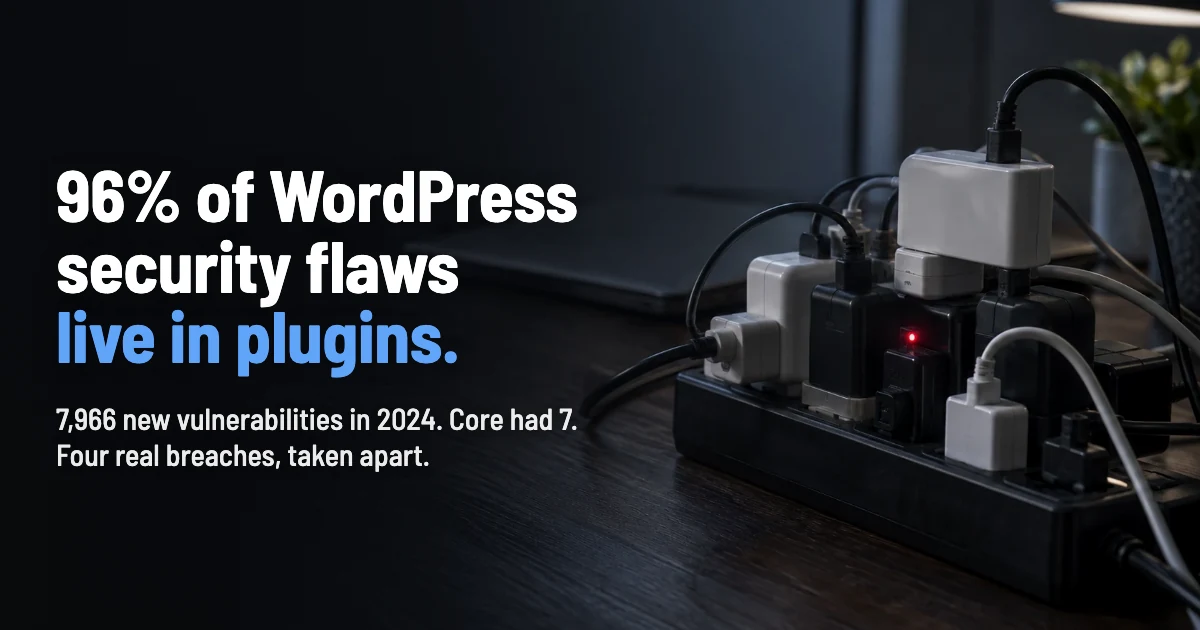
Link to section: The Hidden Costs of Common PracticesMany business owners turn to third-party WordPress plugins for quick solutions, but this popular path comes with significant risks. Expiring subscriptions and unpatched vulnerabilities create dangerous gaps in your security. Consider what happens when:
The Update Dilemma: Installing WordPress updates immediately is not always an option, because they might break something. While you're testing these updates, hackers are scanning. It's a race where one side has automation and the other side has "whenever you remember to check."
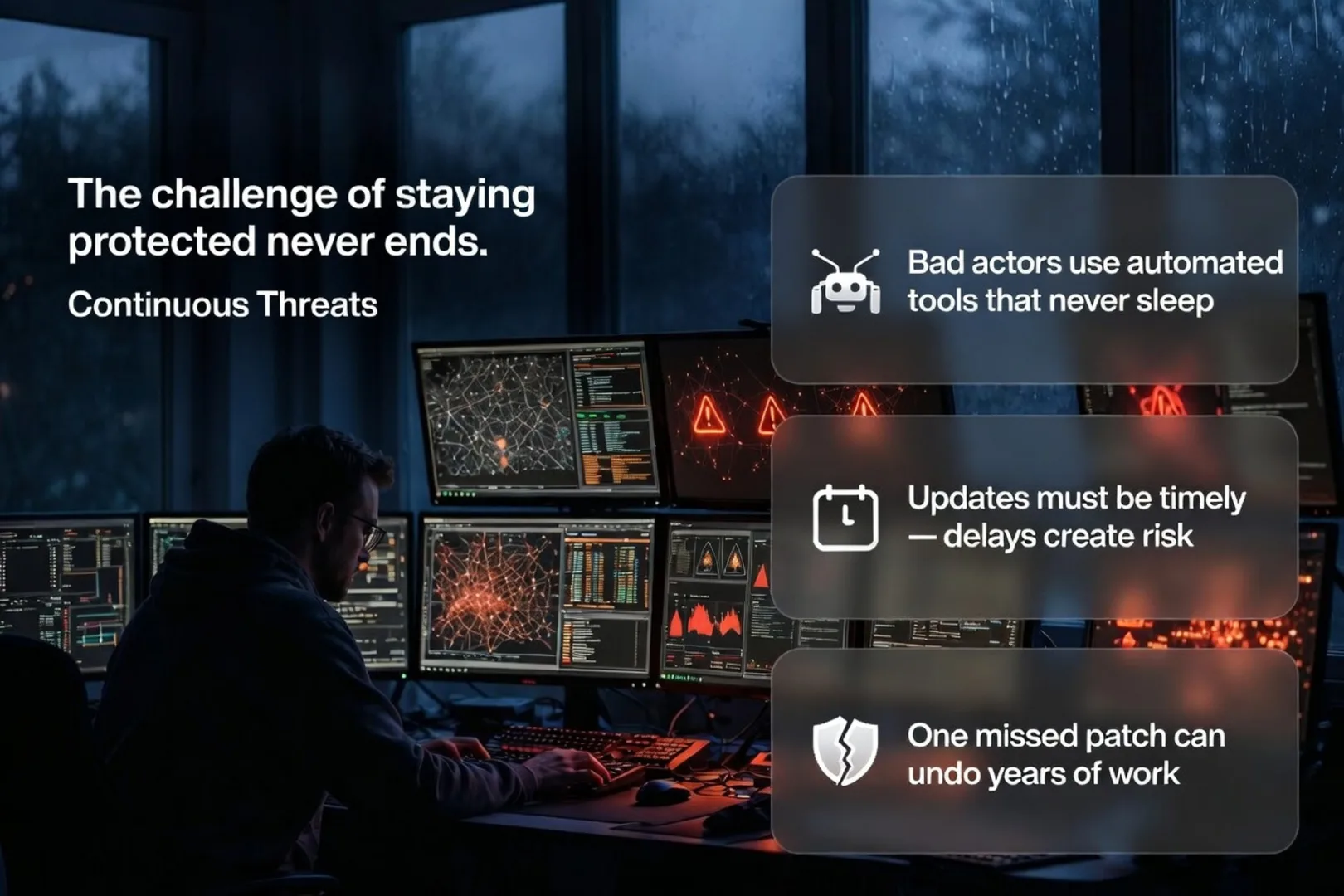
Continuous Threats
Bad actors continuously target misconfigurations and exploit unpatched vulnerabilities. "Continuously" is the key word. They use automated tools to scan your website. The tools don't sleep. The tools don't take breaks. The tools don't forget.
Even when you're doing everything right, a bad actor could go unnoticed if updates aren't performed in a timely fashion. Being targeted for unpatched vulnerabilities despite your best efforts creates a unique kind of stress—the weight of knowing that one missed update, one overlooked plugin, or one zero-day exploit could undo months or years of work.
Did they gain access through an unpatched vulnerability that wasn't installed because you were busy? Or did they use a zero-day exploit? "Zero-day" means the vulnerability was unknown until someone used it. So even if you'd been checking, you wouldn't have known.
Moving Forward
Link to section: Moving ForwardThe question isn't whether to protect your WordPress site—it's about using a security strategy that doesn't consume all your resources while still providing meaningful protection. This means:
Understanding your responsibilities clearly
You'll need reliable backups—not that one backup from 2021 that you're "pretty sure" still works. Uncertainty and backups don't mix well.
Recovering lost services quickly
Your site's down and customers can't access anything. They're calling, emailing, leaving bad reviews. Detailed, angry reviews. They have time now—your site isn't working.
Having contingency plans in place
Figure out the update situation now. Set up automation if possible. Check things occasionally to make sure they're working. Basic maintenance—like servicing a car, except the car contains all your business data and customer trust.
Or you can wait until something goes wrong and then panic. That's also an approach. Not a good one, but it is an option.
Accepting that perfect security doesn't exist
Security isn't exciting and cool features aren't worth security risks. They're really not. Do I actually need this, or does it just look cool? If a plugin isn't actively maintained, then this is a risk.
Making informed decisions about third-party plugins
What permissions does it need? Some plugins ask for database access, file system access, email access... basically everything. That's suspicious.
Ensuring someone is accountable for timely updates
Managing a WordPress website means accepting these realities while building the best defenses possible within your means. Security investments shouldn't exceed the cost of a potential breach, but don't invest in systems that you're not willing to protect.