When a WordPress data breach occurs, let's stop the damage without destroying the evidence. Take the site out of public reach, copy it exactly as it stands, and only then change every password that touches it. Cleaning comes later. Most of the expensive mistakes are made in the first ten minutes, by someone who meant well and had the delete key within reach.
- Work in this order: isolate, copy, rotate credentials, check for customer data, call your host, then clean.
- Copy the infected site before you fix anything. That copy is how you learn where the attacker got in.
- If customer records were exposed, you have a legal notification question as well as a website problem.
- WordPress core had a critical flaw in July 2026, so a tidy plugin list no longer covers you, and auto-updates handle most of that work while you sleep.
What to Do First After a WordPress Data Breach
Link to section: What to Do First After a WordPress Data BreachSix steps, in order. The order matters more than the speed, because steps one and two protect the evidence that every later step depends on.
1. Take the site out of public reach
Link to section: 1. Take the site out of public reachPut the site into maintenance mode, or ask your host to suspend public access. Visitors stop being served whatever was injected, and the attacker loses a working audience. Do not delete the site and do not cancel the hosting account. The FTC's Data Breach Response guide gives the same instruction for office equipment: take affected systems offline, but leave them running until someone qualified has looked. A wiped server is a very tidy way to learn nothing.
2. Copy everything, infected as it is
Link to section: 2. Copy everything, infected as it isDownload the full file tree and export the database before you change a single file. Ask your host for the access logs too, as far back as they keep them, because log rotation runs on a schedule that has no interest in your week. The FTC guide spends four words on this: "Do not destroy evidence." That copy is the only record of how the attacker got in, and without it you are guessing which door to lock.
3. Rotate every credential from a device you trust
Link to section: 3. Rotate every credential from a device you trust
Change the passwords for every WordPress administrator, the hosting control
panel, SFTP, and the database user. Then replace the secret keys in
wp-config.php, which ends every logged-in session at once,
including the one you were not told about. Remove any administrator account
you do not recognise. Plan to rotate everything a second time once the site is
clean, since a password typed into a compromised site may have been read on
the way in.
4. Work out whether customer data was touched
Link to section: 4. Work out whether customer data was touchedThis is the step that separates a hacked website from a data breach. List what the site stores: contact form entries, customer accounts, order history, newsletter signups, anything with a name attached. If the attacker could reach the database, assume they could read all of it until the logs say otherwise. Exposed personal information brings breach-notification law into play, and its deadlines run from the day you found out. The same FTC guide covers who to notify and what to tell them. Call a lawyer before you draft the apology email.
5. Call your host, and your payment processor if you take cards
Link to section: 5. Call your host, and your payment processor if you take cardsYour host can see things you cannot: other accounts on the same server, a spike in outbound mail, the login from another continent at 3 a.m. Ask what they have logged and whether they hold backups from before the first sign of trouble. If the site takes card payments, tell the processor now. They have a procedure for this, and they would much prefer to hear it from you.
6. Then clean, patch, and reopen
Link to section: 6. Then clean, patch, and reopenOnly now does the repair start. Restore from a backup that predates the intrusion if you have one. Otherwise rebuild from fresh copies of WordPress, the theme and each plugin, and bring the content across. Update everything before the site goes public again, and close the hole the evidence pointed to. A site restored without that last part is the same site with the same door, and the attacker kept the address.
Ask your host today how long they keep access logs and where they live. Some keep only a few weeks. A scheduled job that copies those logs somewhere the website cannot write to is the cheapest forensic tool you will ever own, and the only one that works retroactively.
How a WordPress Data Breach Usually Starts
Link to section: How a WordPress Data Breach Usually Starts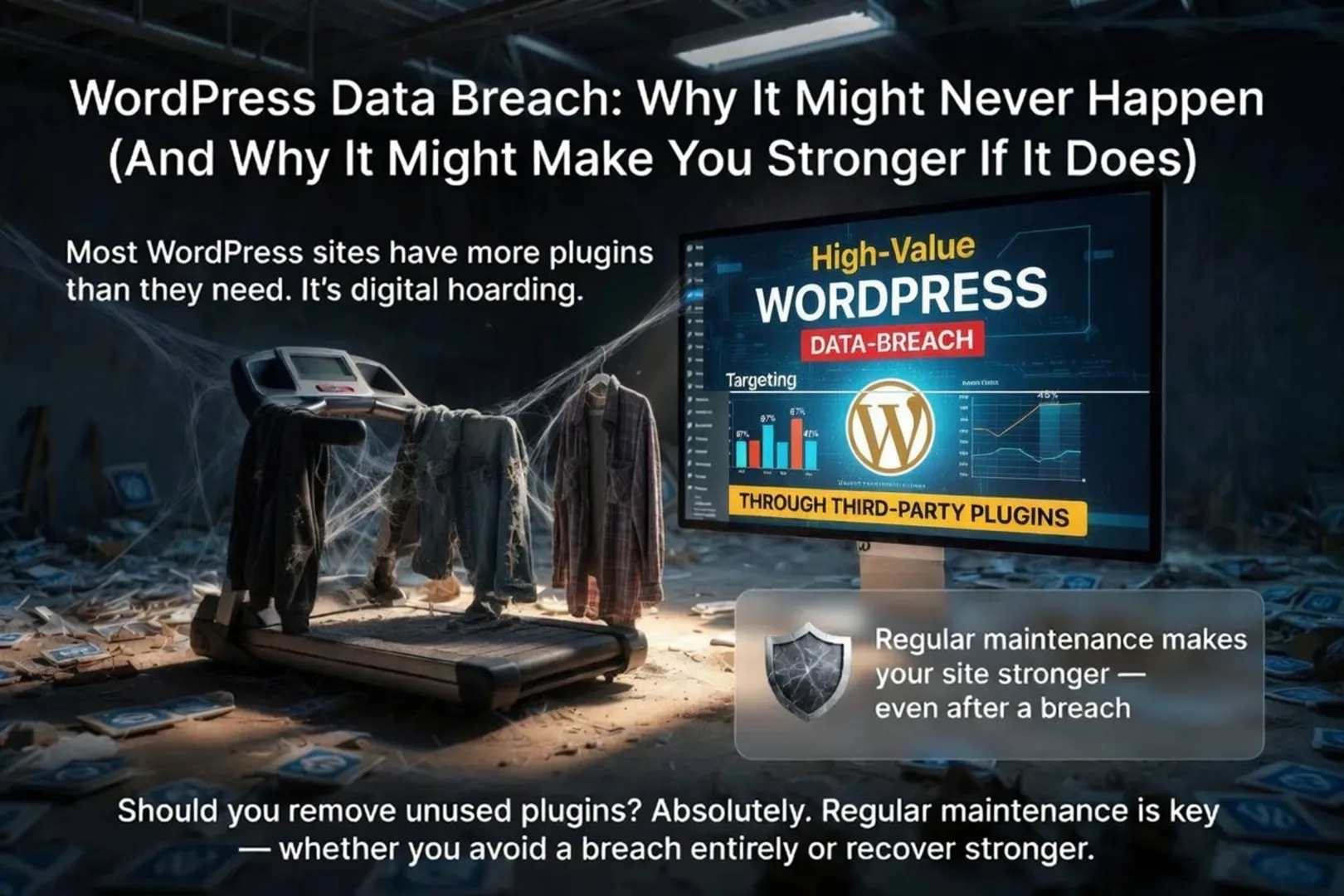
Most WordPress sites carry more plugins than they use. The social media widget from 2016 is still installed, unpatched and probably abandoned, like the treadmill in the garage. Every one of them is code that runs on your server whether or not you remember why you wanted it. Removing the ones you do not use is the cheapest security work there is, and it is always scheduled for later, which is where a great many breaches begin.
The numbers back the treadmill. Patchstack's State of WordPress Security in 2026 counted 11,334 new vulnerabilities across the WordPress ecosystem in 2025, a 42% increase on 2024. Of those, 91% were found in plugins and 9% in themes. WordPress core accounted for six, which the report describes as low priority issues, so the odds sit squarely with the forgotten plugin.
Speed is the other half. The same report puts the weighted median time from disclosure to first exploit at five hours, and says roughly half of high impact vulnerabilities are exploited within 24 hours. A monthly update habit is patching on a calendar the attackers stopped using.
WordPress Core Is Not Exempt: wp2shell, July 2026
Link to section: WordPress Core Is Not Exempt: wp2shell, July 2026
For years the comfortable advice was that core is safe and plugins are the
risk. Then, on 17 July 2026, WordPress shipped
version 7.0.2, with 6.9.5 and 6.8.6 alongside, to fix what its own release post calls "one
critical and one high severity security issue." Chained together, a REST API
batch-route confusion (CVE-2026-63030) and a SQL injection in WP_Query (CVE-2026-60137) led to remote code execution. The chain is widely known as wp2shell. NVD lists the first at 9.8 out of 10 from the reporting authority,
with no privileges required, which means no login stood between a stranger and
your server.
| WordPress version | Exposure | Fixed in |
|---|---|---|
| 7.0.0 to 7.0.1 | Full chain, remote code execution | 7.0.2 |
| 6.9.0 to 6.9.4 | Full chain, remote code execution | 6.9.5 |
| 6.8.0 to 6.8.5 | The SQL injection only | 6.8.6 |
| Before 6.8 | Not affected | n/a |
CISA added both CVEs to its Known Exploited Vulnerabilities catalog on 21 July 2026, which is the government's way of saying this one was used. The fix was dull and effective: WordPress.org "enabled forced updates via the auto-update system for sites running affected versions." Sites with auto-updates switched off for stability did that work by hand, in a week when attackers were already at it.
None of this makes core the weak point. It is still the most heavily reviewed code on your server, and six low priority issues in a year is a record most plugins would envy. It does retire the idea that any layer gets to skip updates.
Why a Breach May Never Happen, and What You Gain If It Does
Link to section: Why a Breach May Never Happen, and What You Gain If It DoesSome perspective, now that the alarming part is over. Managed hosting puts firewalls, malware scanning and automatic updates in front of most sites. Long unique passwords, two-factor login and current software turn away the bulk of automated attacks. Targeted attackers go where the big databases are, and a five-page site for a Plano dental office is not on that list. The automated ones will take any server they can get, so obscurity is no plan. Hygiene is, and it works.

If the worst does happen, the recovery leaves things behind that are hard to buy any other way:
- A complete audit. You will find and fix gaps you had been meaning to look at since the site launched.
- Cleaner architecture. A rebuild sheds years of abandoned code, and the result is usually faster as well as safer.
- A tested response. You now own a procedure that has met a real incident, which no tabletop exercise can claim.
- A realistic risk picture. You know which weaknesses mattered, so the next dollar goes where the last attacker went.
- A budget conversation that finally goes well. Nothing explains a security line item like the invoice for not having one.
For the case studies, read WordPress Security Lessons from Real Breaches. For the prevention side, WordPress Security: Prepare and Protect covers who owns the updates. If this incident has you wondering whether to stay on the platform at all, WordPress Security or Rebuild with Laravel? walks through that decision. And if you would like a second pair of eyes on the cleanup, that is what our secure web solutions work is for. Tell us what happened.
Do you follow best practices, or are you someone who understands why they exist?
Frequently Asked Questions
Link to section: Frequently Asked QuestionsShould I restore last night's backup and move on?
Only after you have copied the infected site, and only if the backup predates the intrusion. An attacker may have been inside for days before anything visible happened, so last night's backup may contain the same backdoor. Restore the oldest clean copy you can, then patch before the site goes public again.
Do I have to tell my customers about a WordPress data breach?
It depends on whether personal information was exposed and on the laws that apply to you and to them. Breach-notification rules set their own definitions and deadlines, so this is a question for a lawyer. The FTC's Data Breach Response guide explains who is usually notified and what a useful notice contains.
Was my site exposed to wp2shell?
Check Dashboard, then Updates. WordPress 7.0.2, 6.9.5, 6.8.6 and anything later include the fix, and versions before 6.8 were never affected. Being patched today does not prove the site was untouched before the patch arrived, so if you ran 6.9.0 to 6.9.4 or 7.0.0 to 7.0.1 in mid July 2026, look for administrator accounts and files you do not recognise.
Will Google flag my site after a hack?
It can. Google Search Console has a Security Issues report that lists what it found, and once the site is clean you can request a review from the same screen. Verify the site in Search Console before you ever need it, because proving ownership is harder when you are locked out of your own server.